 Arseni Filon
Website, permit check, and Google Ads
A remodeler’s site built around its finished work
- Client
 DWV Construction
- Trade
- Design-build remodeler
- Place
- Portland, Oregon
- Live site
- dwvconstruction.com
The problem
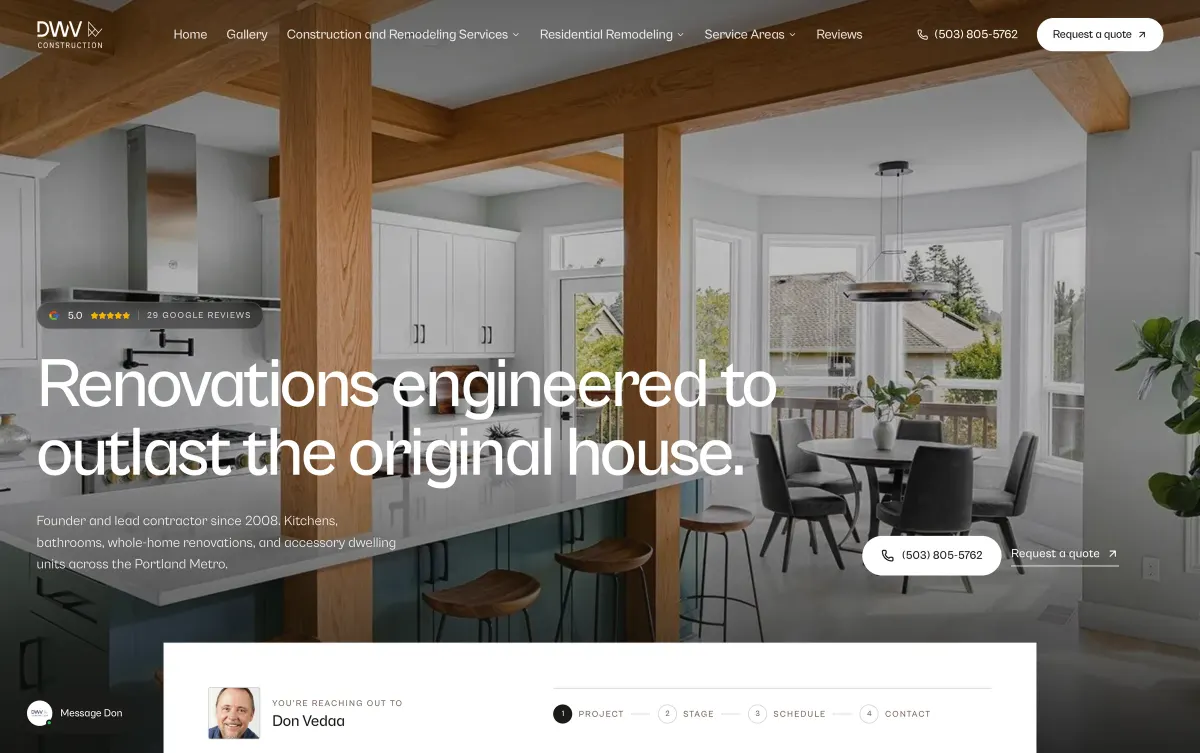
The company had years of finished work photographed on the job. A homeowner planning a remodel wants to see a job like theirs and wants to know what it costs. The brief was to build the site around those photographs, so a homeowner searching for a kitchen remodel in Portland lands on finished kitchens.
How it runs
Goes in
- A search for a kitchen remodel in Portland
- 129 photographs of finished jobs
What happens
- The search lands on a service page or a town page
- The page shows finished jobs of that kind
- Typical cost ranges are on the service page
- The estimate form takes three steps
Comes out
- A quote request from a homeowner who has seen the range
- A lead on the dashboard, with the search that produced it
- A log of what the spam check held back
What I built
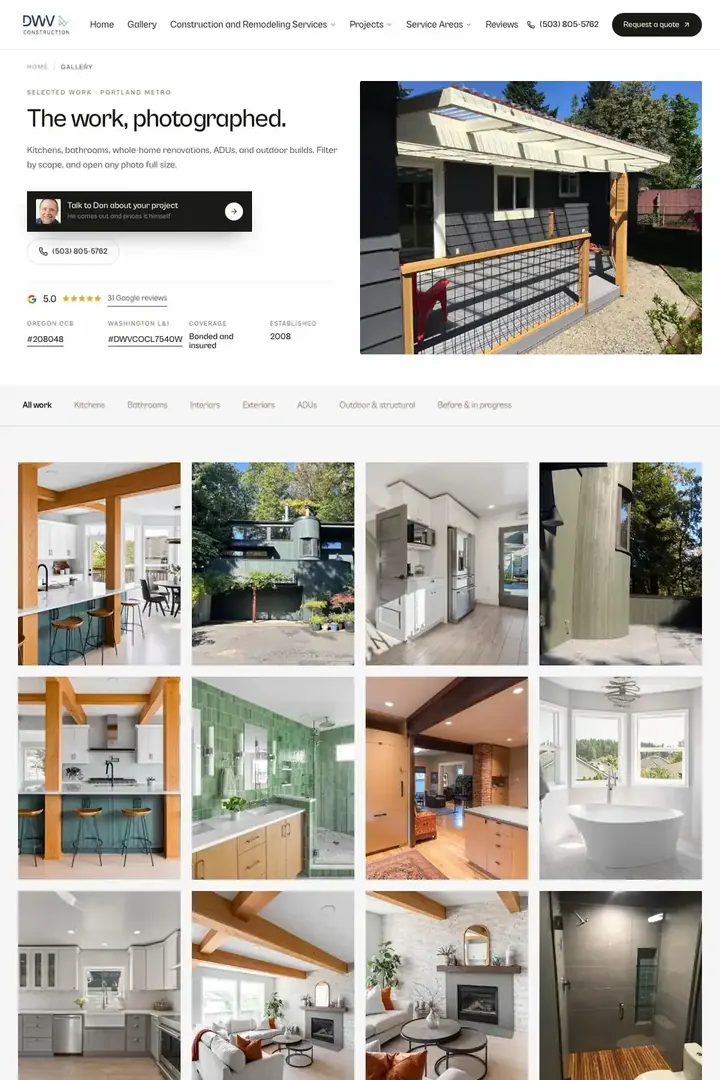
129 project photographs, each in its place
The site is built around 129 photographs of finished jobs. Each one is attached to the project and the service it belongs to, so a kitchen quote request lands on kitchens.
Service pages with typical cost ranges
There is a page for each service, with typical cost ranges for kitchens, baths, and whole-house remodels. Price is the first thing a homeowner wants to know. One who has seen the range and still asks for a quote knows what the job costs before the first site walk.
Project pages and fifteen town pages
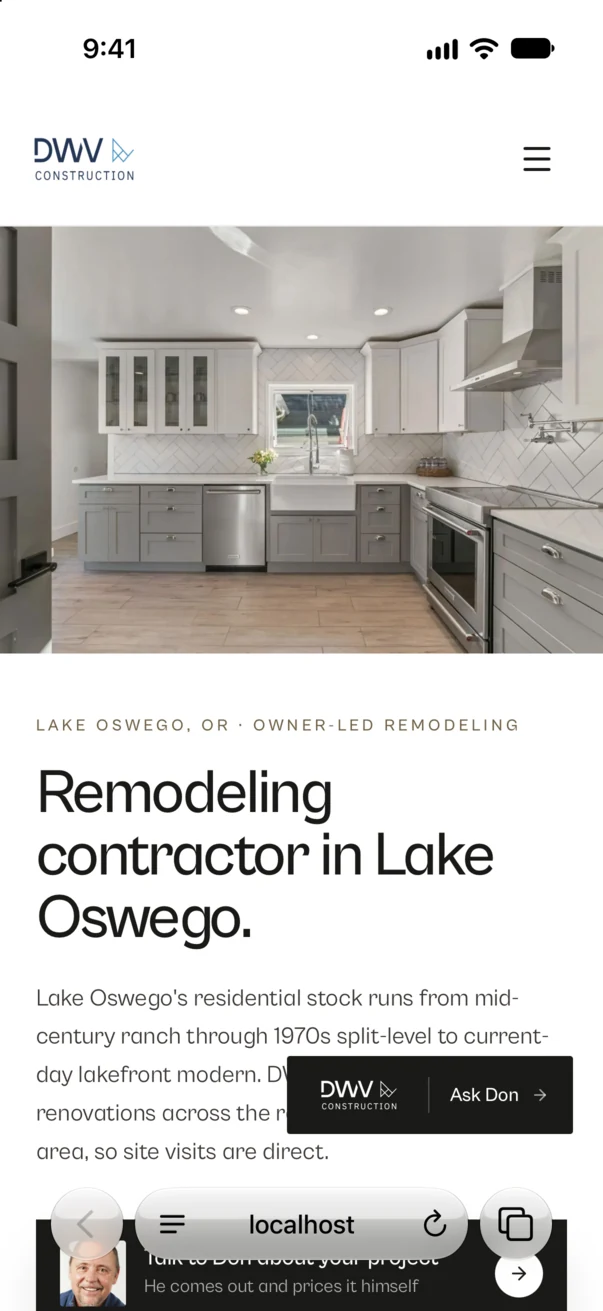
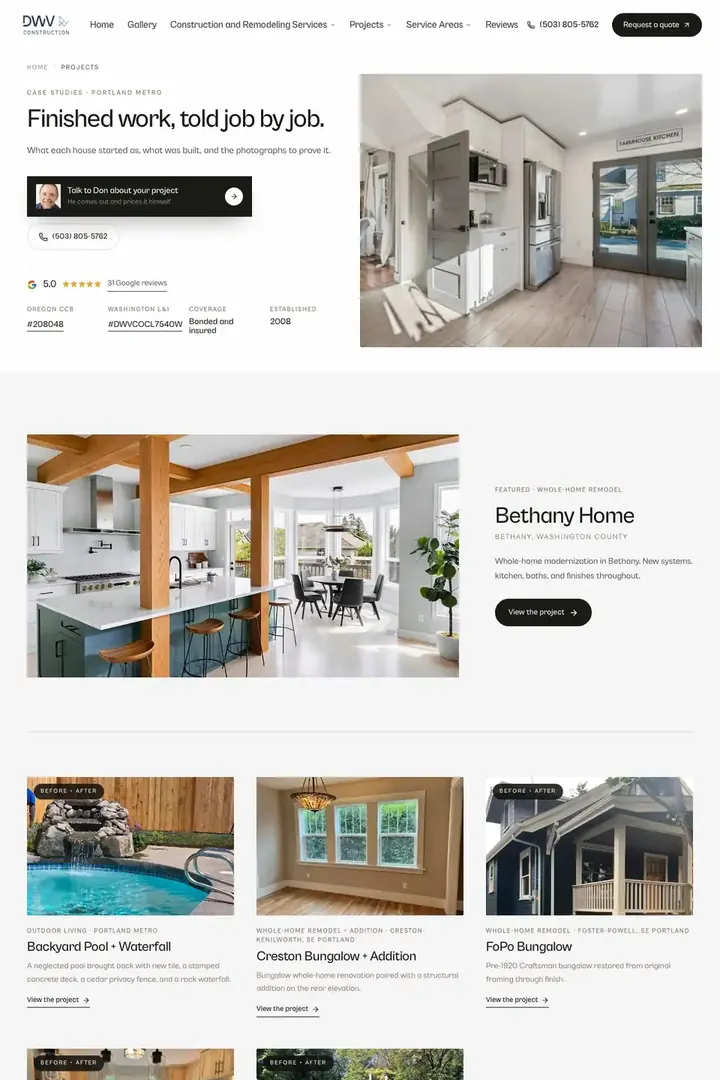
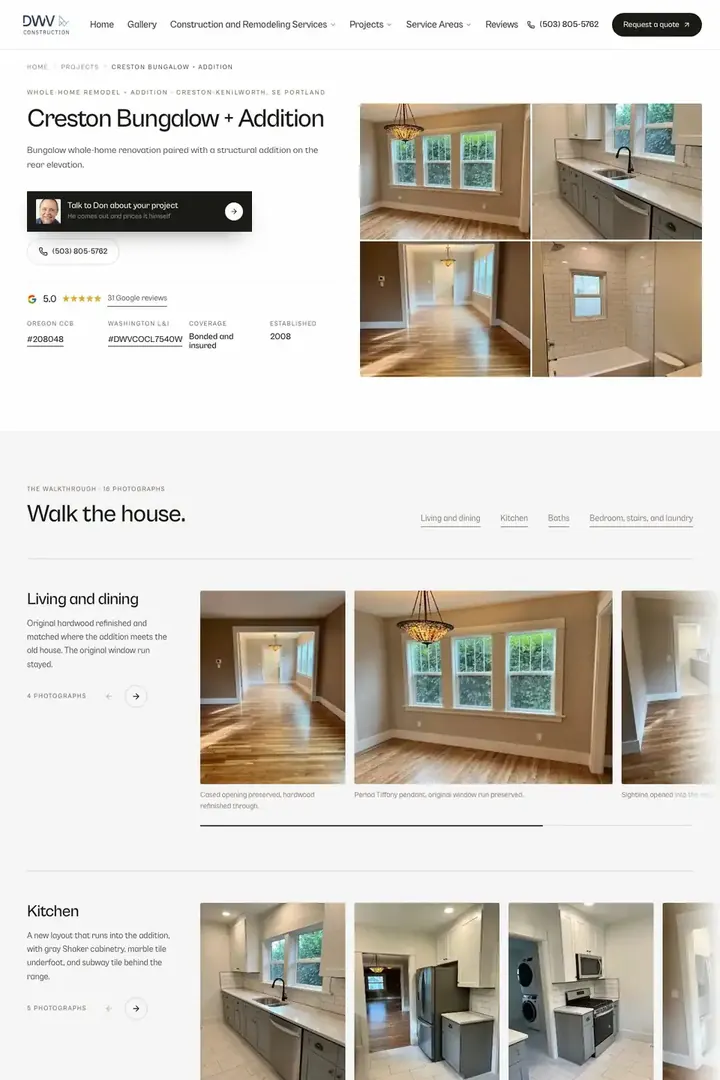
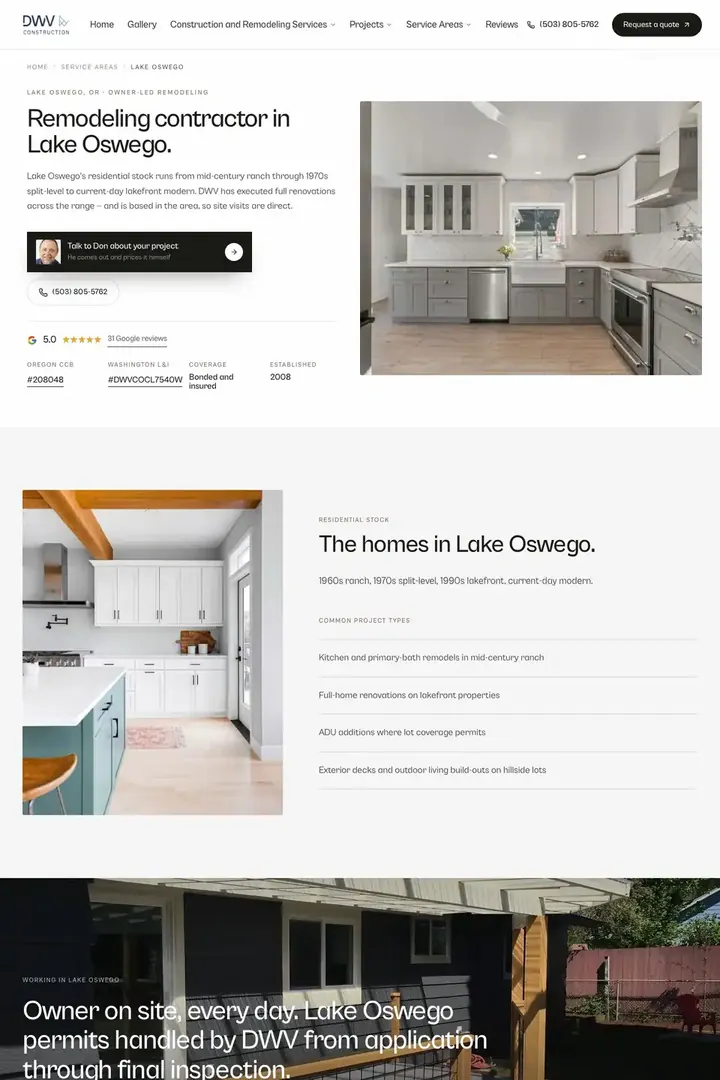
The site has 32 pages. Five are service pages and fifteen are town pages, and each finished job has its own page. The site answers a search for a neighborhood and a search for a trade.
A permit check
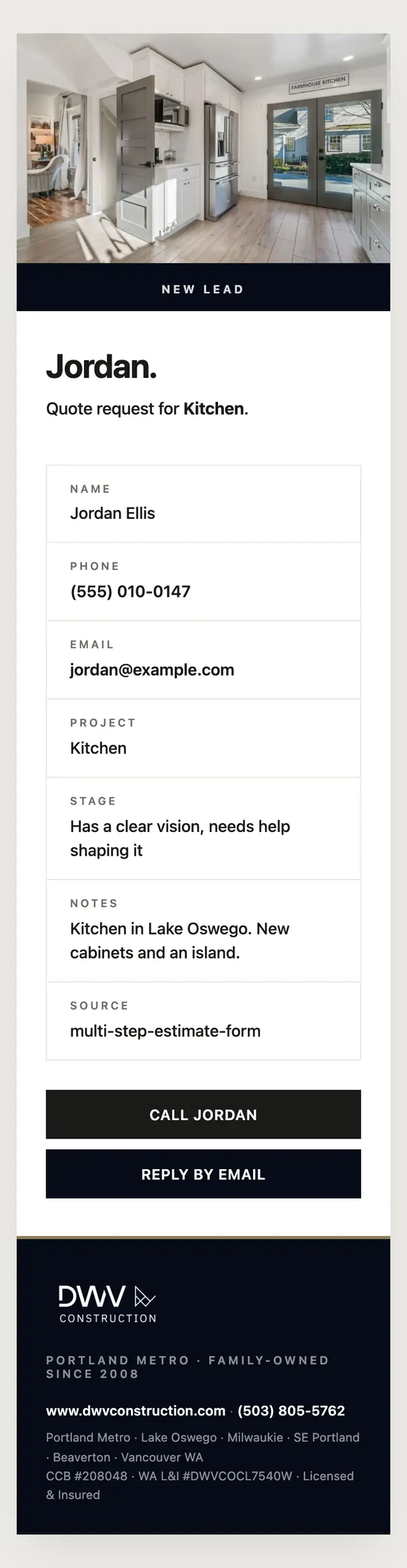
A homeowner can see what their job is likely to need from the city before the first conversation.
A quote form and a call bar under the thumb
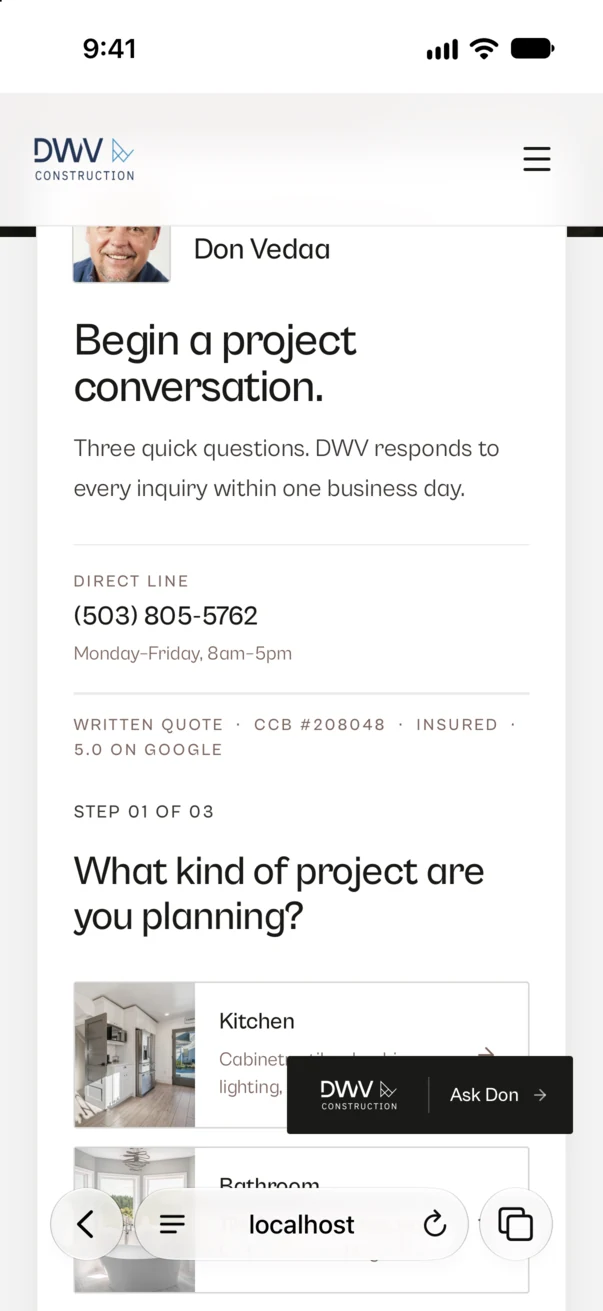
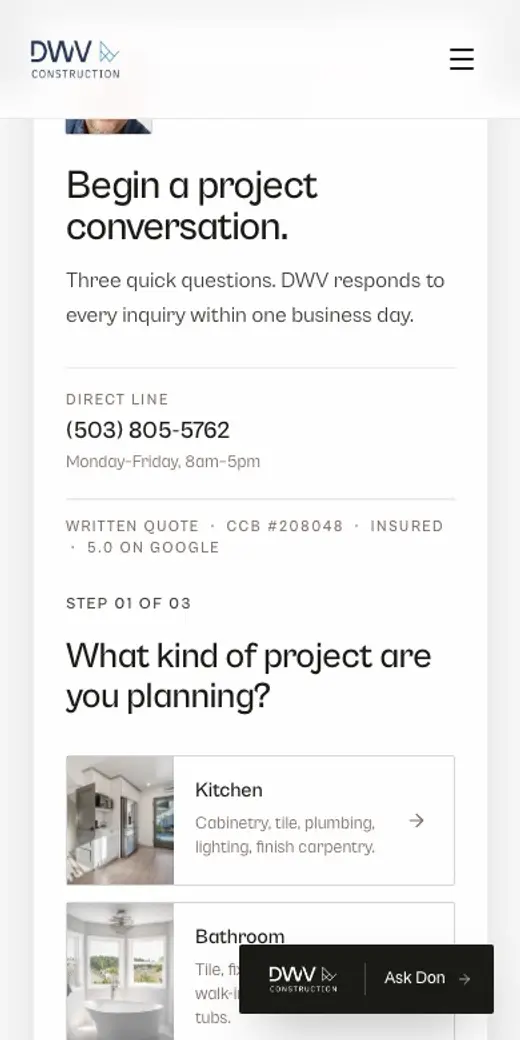
The estimate form is on every service page and takes three steps, the kind of project, how far along the homeowner is, and how to reach them. On a phone a call bar stays at the bottom of the screen, so a homeowner reading with one hand can call with one thumb.
A dashboard that shows where each lead came from
The dashboard lists every lead with the search that produced it. A spam check runs on every form, and the owner can open a log of what it held back and why.
A Google Ads account, restructured and read every week
I restructured the Google Ads account around the searches homeowners use when they are ready to hire, and I read the search terms every week. The wasted searches are blocked, and the ones that produced leads become keywords.
The result
A kitchen search in Portland now lands on finished kitchens.
Pages
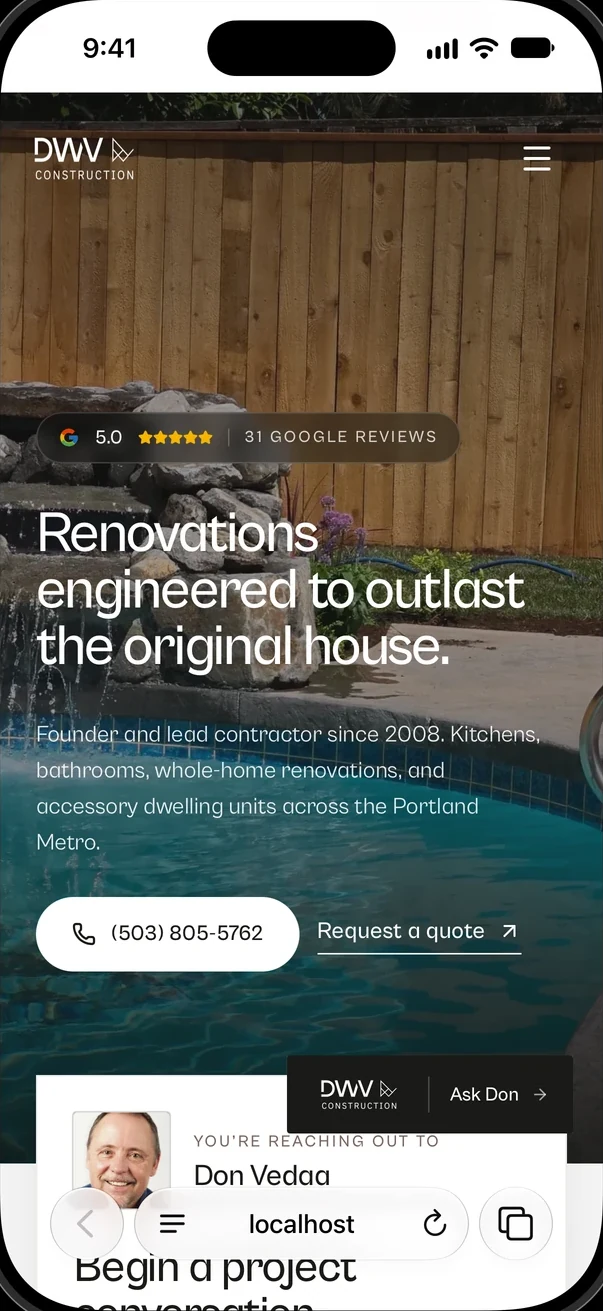
Four of the 32 pages on dwvconstruction.com. Each one opens.
Screens